
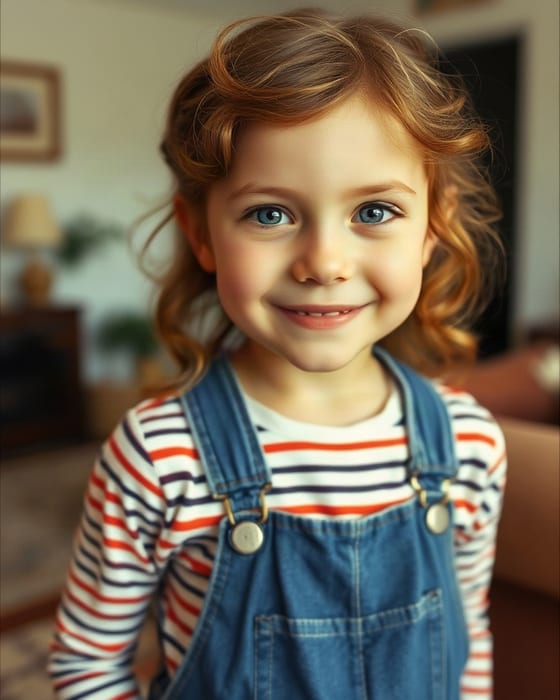
 Input Photo A
 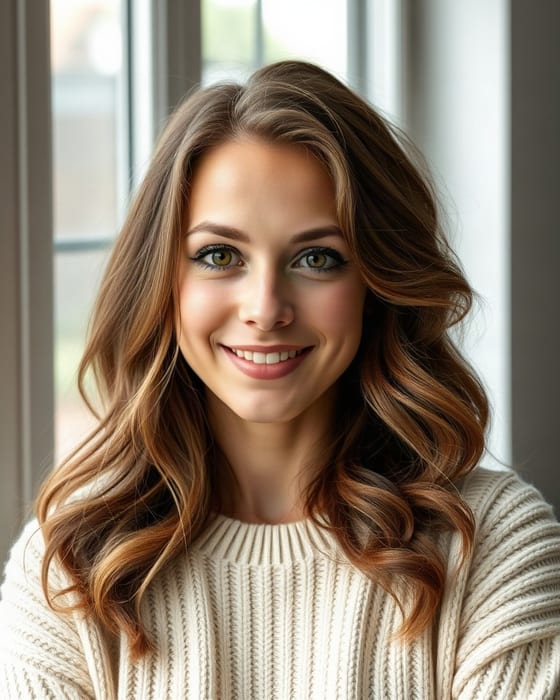 Input Photo B
 How Does the Hug My Younger Self AI Video Generator Work?
To create the "Hug My Younger Self" AI video trend, upload a childhood photo in Box 1 and a current adult photo in Box 2 on AmieLove AI Studio. Using the Kling 1.6 Multi-Image Elements engine, AmieLove extracts both versions of you from their separate backgrounds, places them into one unified warm scene from Frame 0, and renders a 5-second 1080p embrace video in ~40 seconds for a $6.99 one-time pass.
- Step 1
Upload Your Childhood Photo & Current Adult Photo
Select a clear childhood portrait (school photo, family snapshot) in Box 1 and a recent front-facing photo of yourself in Box 2.
- Step 2
AI Dual-Subject Background Unification
Even if your childhood photo is faded or taken in a different room, our Kling 1.6 Elements pipeline unifies the lighting and background from Frame 0.
- Step 3
Download & Share on TikTok, Reels or Family Chat
In ~40 seconds, download your watermark-free 1080p MP4 video, backed by our 1-Click Instant Credit Refund guarantee.